Understanding Metadata
Niwot data are archived with machine-readable metadata, using the Ecological Metadata Language (EML), an XML schema for describing ecological datasets.
It is challenging for humans to read EML directly. However the landing page of each dataset on EDI has the salient parts displayed in an easy-to-read format. Toggling the View Full Metadata/View Summary button will display/collapse details.
 .
.
While we recommend you read all the metadata, below we highlight some areas some users have reported difficult finding.
Any time you download a dataset you will want to make note of the suggested dataset citation, so you can track what you are using and credit the authors appropriately. EDI provides a handy button to do just this. 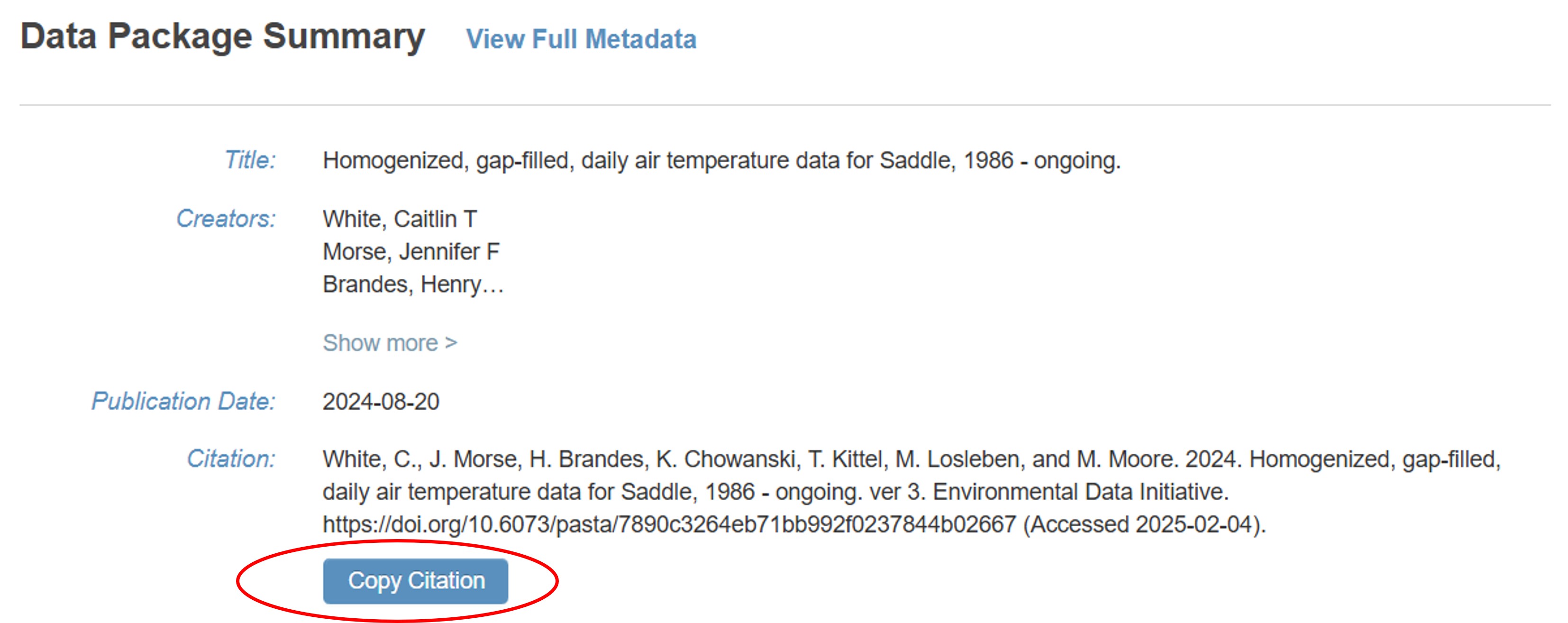
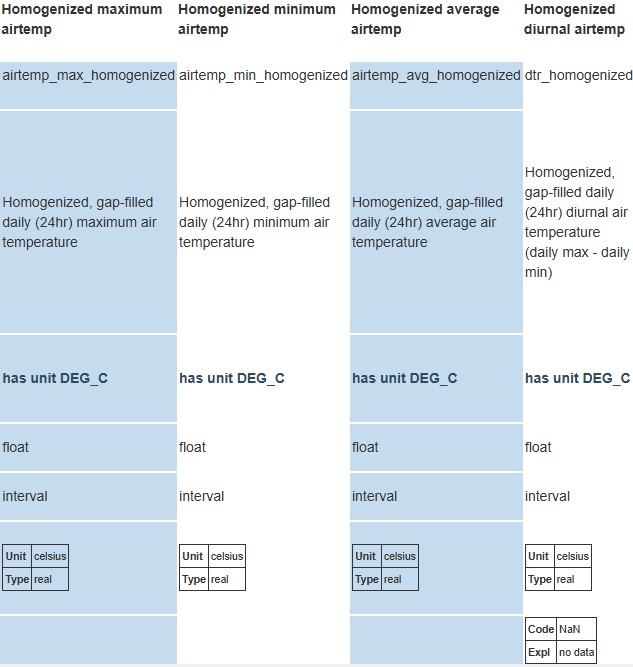
Variable definitions and units can be found under Data Entities in the section Table Column Descriptions. This section will also tell you what any abbreviations mean.
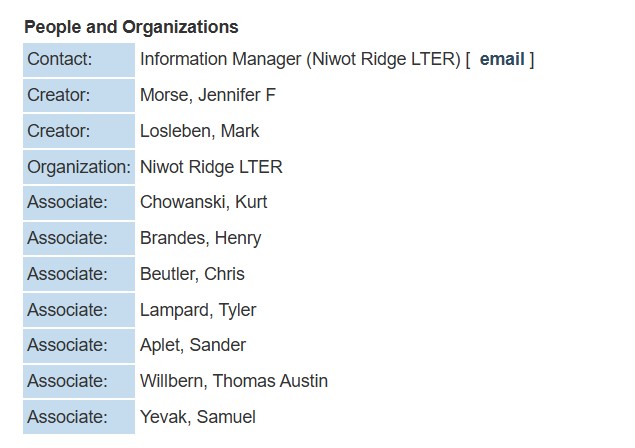
Creators are the main individuals who initiated or maintained a dataset and are listed as authors in the suggested dataset citation. Where possible, we have also been adding the names of techs (they will display on EDI as ‘associate’, downloading the full EML also allows you to see their full roles). Consider adding key data contributors to you authorship or acknowledgements section as appropriate.
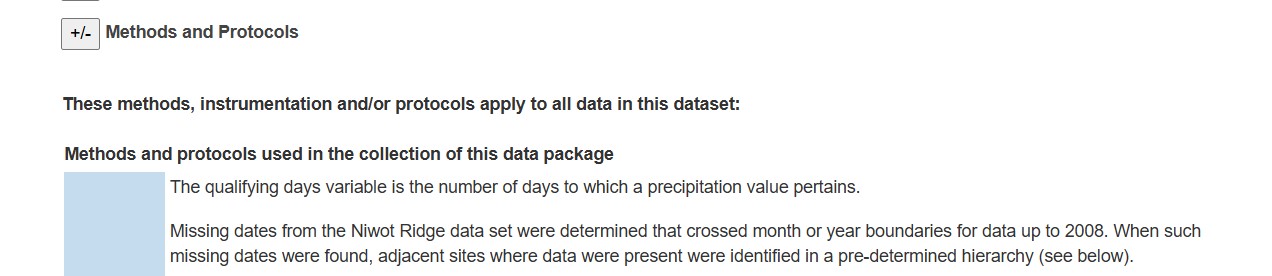
Read the methods! They contain critical information about how the data were collected, known issues and other information that will help guide your analyses. If there’s something you don’t understand, reach out to the dataset creators and/or the dataset contact and we will put you in touch with someone who can help.